Why Schools Are Choosing Arduino Over Scratch for Class 7+
Scratch is a genuinely excellent tool. MIT's block-based programming environment taught millions of children worldwide that code can create things — games, animations, interactive stories. For Classes 3–6, it remains one of the best introductions to computational thinking available.
But something changes at Class 7. Students who have been using Scratch for two or three years begin to notice its ceiling. They want to make things that exist in the physical world, not just on a screen. And that's where Arduino comes in.
The Scratch to Arduino Transition
The transition isn't abrupt. The concepts carry over almost perfectly:
| Scratch Concept | Arduino Equivalent |
|---|---|
| wait 1 second | delay(1000) |
| if touching color | if (digitalRead(sensor) == HIGH) |
| repeat 10 | for (int i = 0; i < 10; i++) |
| play sound | tone(pin, frequency) |
| set variable to | int x = 5; |
Students who understand Scratch loops and conditionals grasp Arduino C++ fundamentals in a single session. The jump feels smaller than it looks.
What Arduino Adds That Scratch Can't
1. Real-world output
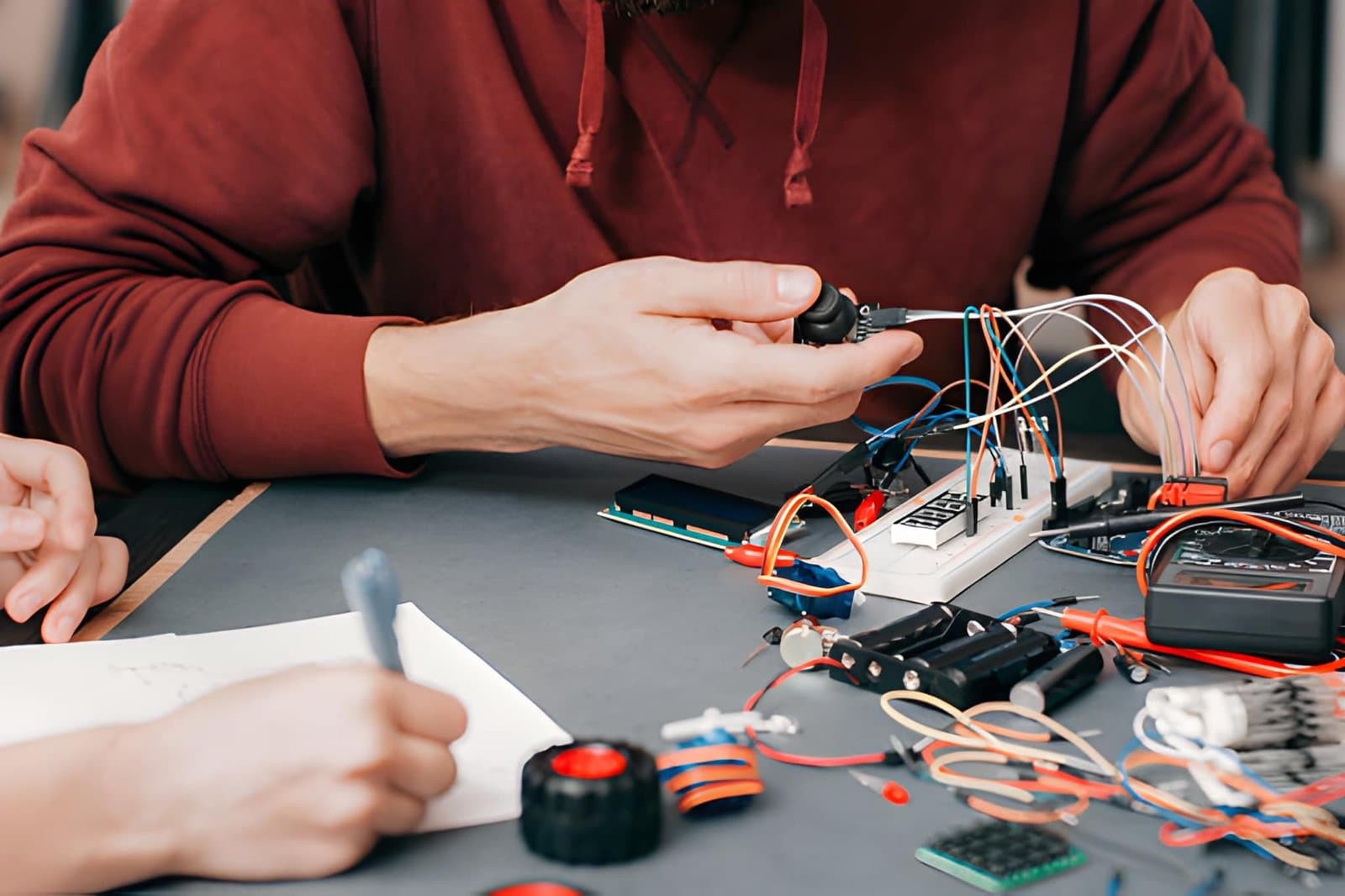
In Scratch, a "turn on light" command changes a sprite on screen. In Arduino, it lights an actual LED. This sounds trivial — it isn't. The physical feedback loop transforms how students think about code. Debugging a blinking LED teaches patience, systematic thinking, and the satisfaction of solving real problems.
2. Sensors and the physical world
Scratch operates in a closed universe of sprites and sounds. Arduino opens the physical world: temperature, distance, light, touch, motion. Students start asking questions like "Can I make it respond to my voice?" — and the answer is yes.
3. Transferable skills
Arduino uses a subset of C++, the language underlying most operating systems, game engines, and embedded systems. The syntax habits students develop — semicolons, curly braces, typed variables — transfer directly to Python, Java, and JavaScript. Scratch's visual paradigm, while excellent for learning, doesn't build these transferable patterns.
4. Collaboration and hardware
Scratch projects are solitary: one student, one computer, one project. Arduino projects naturally involve teamwork — one person writes the code, another handles the wiring, a third tests the sensors. This mirrors how engineering teams actually work.
Good to Know
Research from the Indian Institute of Technology Delhi found that students who transitioned from Scratch to Arduino in Class 7 showed significantly better performance in programming courses in Class 11 and 12 compared to students who continued with Scratch through Class 8.
The Right Age for the Switch
Not every Class 5 student is ready for Arduino. The transition works best when students:
- Can explain what a loop does without looking at a reference
- Understand that variables store values that can change
- Have completed at least one multi-step project in Scratch (not just tutorials)
- Are motivated by making things rather than making animations
For most students, this readiness arrives somewhere between Class 6 and Class 7. For students who pick up Scratch quickly, it may be earlier.
Addressing the Complexity Concern
The most common objection from teachers: "Arduino is too complex for this age group."
This concern is legitimate but misapplied. The complexity of Arduino isn't in the programming — a basic LED blink program is 8 lines of code, and students get it on the first session. The complexity is in the hardware: understanding that a short circuit can damage components, that LEDs need current-limiting resistors, that sensor modules have specific voltage requirements.
This hardware complexity is exactly what makes Arduino valuable. It teaches students that computers interact with the physical world through careful, precise engineering. That lesson has no equivalent in Scratch.
Your First Arduino Program
Connect an LED to pin 13 of your Arduino with a 220Ω resistor. Upload this sketch:
void setup() {
  pinMode(13, OUTPUT);
}

void loop() {
  digitalWrite(13, HIGH);
  delay(500);
  digitalWrite(13, LOW);
  delay(500);
}
Change the delay values and observe how the blink rate changes. Try delay(100) vs delay(2000). What does this tell you about how delay() works?
A Practical Transition Path
For schools planning the switch:
Term 1, Class 6: Advanced Scratch — focus on variables, custom blocks, and multi-sprite projects. Build the conceptual foundation.
Term 2, Class 6: Introduction to text-based coding with a tool like Tinkercad's code view or MIT App Inventor — bridges the visual-to-text gap without hardware.
Term 1, Class 7: Arduino fundamentals — digital output, serial monitor, basic sensors. Pair every hardware concept with its Scratch analogue.
Term 2 onward: Project-based learning with increasing hardware complexity.
The Long View
Students who leave Class 10 comfortable with Arduino have demonstrated an ability to work at the intersection of hardware and software — a combination that remains rare and highly valued. They can debug, iterate, collaborate, and apply abstract concepts to physical problems.
Scratch gave them the language of programming. Arduino gives them a world to program.